Joblens Help
Symbols
On this page
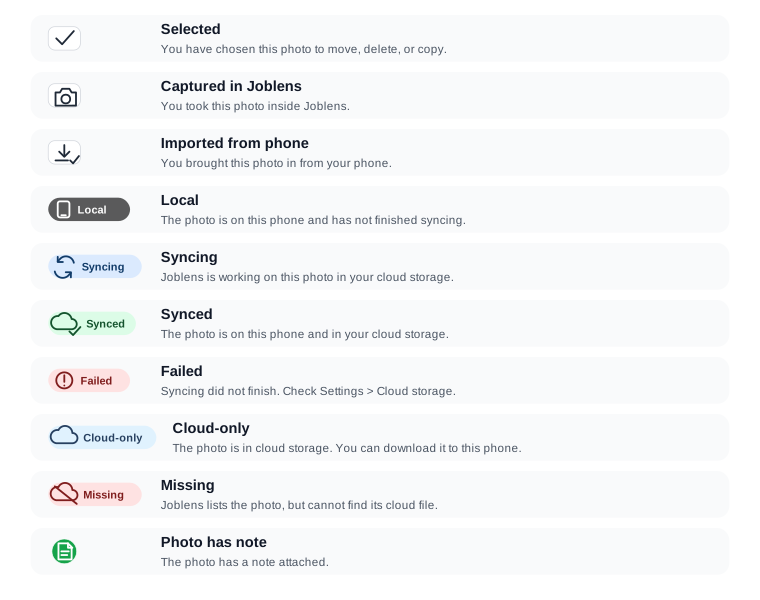
Photo badges tell you where a photo came from and where it is saved. You can also find this guide in Settings > Help & Symbols.
Photo badges
- Selected — You have chosen this photo for an action such as moving or deleting.
- Captured in Joblens — You took the photo with the camera inside Joblens.
- Imported from phone — You brought the photo in from your phone's photo library.
- Photo has note — A note is attached to the photo. Open the photo to read it.
Cloud storage badges
- Local — The photo is saved on this phone and has not finished syncing.
- Syncing — Joblens is working on the photo in your connected cloud storage.
- Synced — The photo is saved on this phone and in your connected cloud storage.
- Failed — The last attempt did not finish. Open Settings > Cloud storage to check what happened.
- Cloud-only — The photo is in cloud storage and is available to download to this phone.
- Missing — Joblens still lists the photo, but its cloud file is not available.
Visual guide
Colours may look different with your chosen theme or appearance.