
Project photos, finally kept in order.
Joblens helps you capture photos onsite, sort them into the right projects, add notes, and keep everything available across your devices without dumping the work into a general phone gallery.


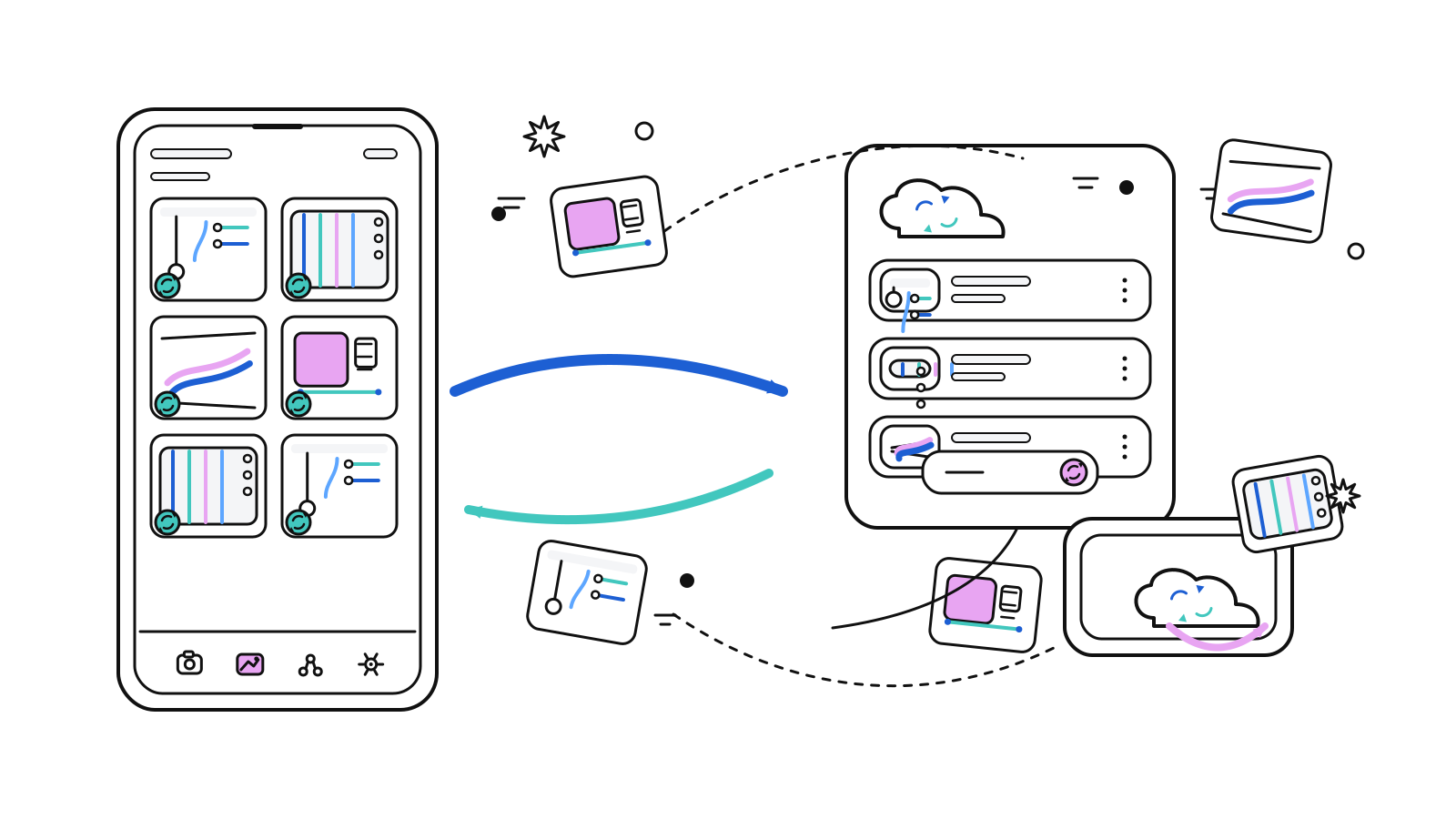
Photo workflows made simple
The product is built around the actual job of documenting work: capture, sort, note, and sync, without burying everything inside a generic gallery.
Capture in app
Use the in app camera when you want new photos tied to the right project from the start.
Import existing photos
Bring photos in from the device gallery when work starts before the app is open.
Organize by project
Create projects, keep names and notes tidy, and move photos where they belong before the backlog builds up.
Sync through your provider
Connect supported cloud storage and sync project photos through your own private cloud drive.
Why Joblens works better than a phone gallery
Joblens is made for teams that need project structure, notes, and access across devices around their photos. It is not trying to be another general gallery app with a work label added on top.
The app, shown with personality
These visuals use real Joblens screens with a lighter illustrated treatment so the page still feels playful while staying connected to the actual product.
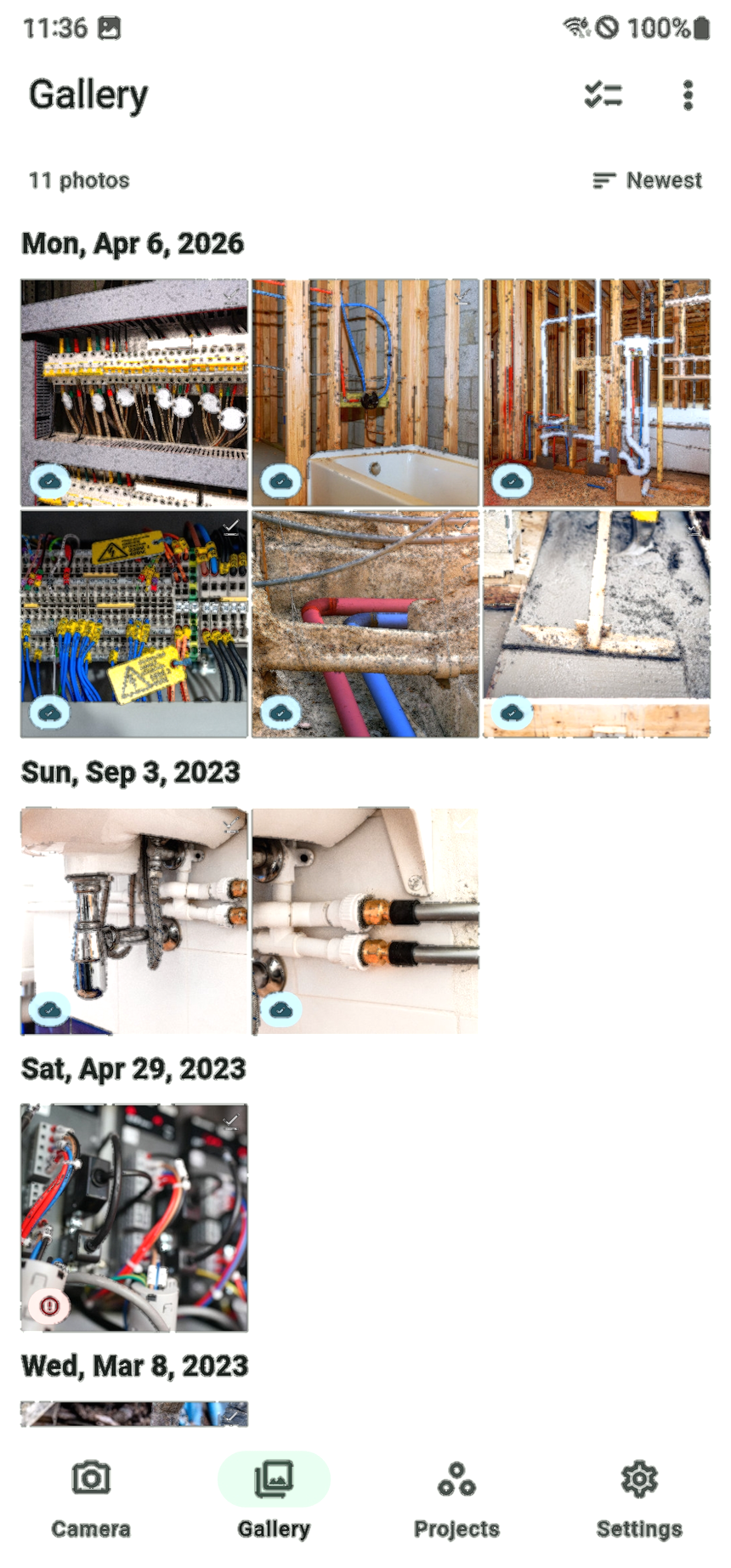
Browse photos by job
See a cleaner view of imported and captured project photos without digging through the rest of your phone.
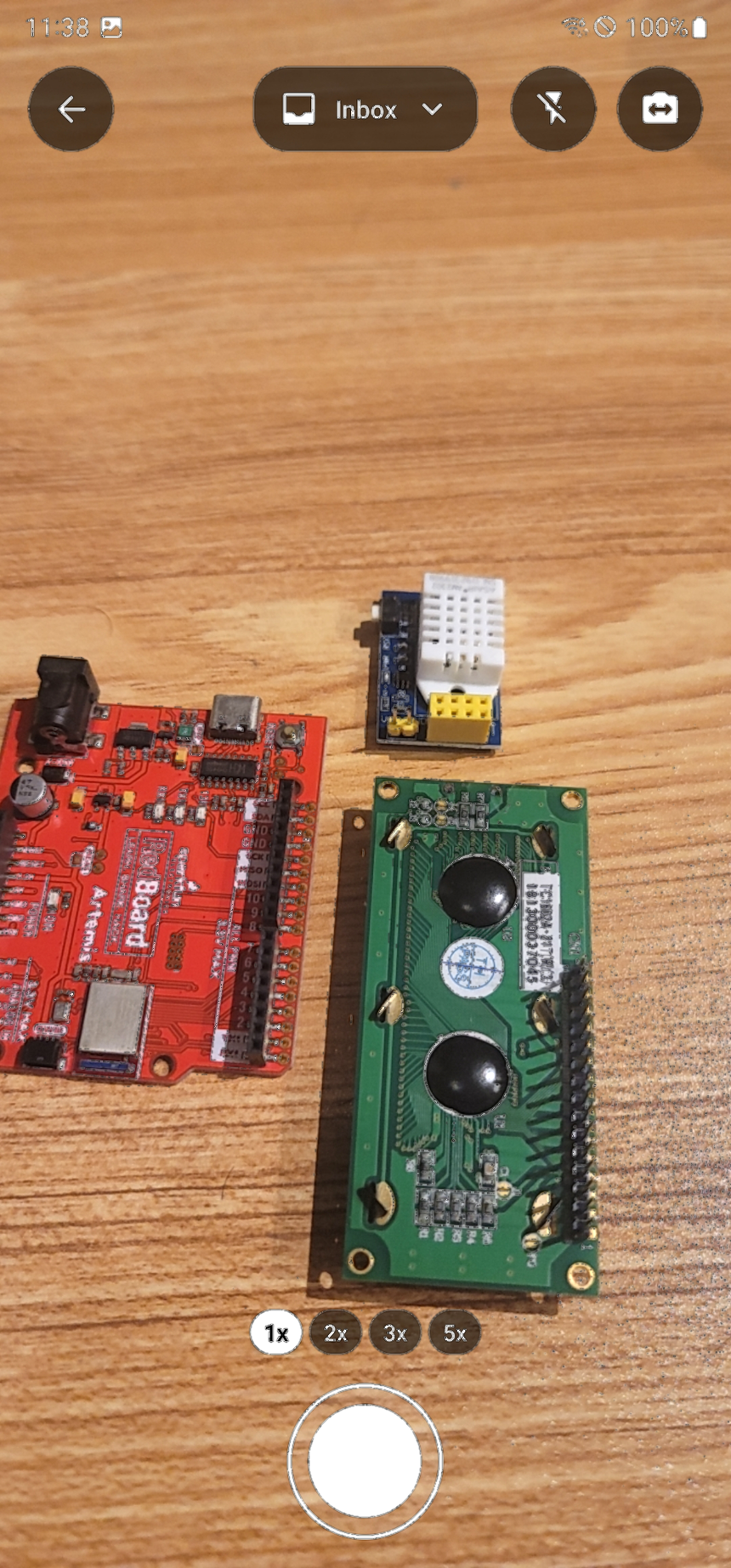
Capture from the field
Open the in app camera when you need fast documentation onsite and want the workflow to stay focused.
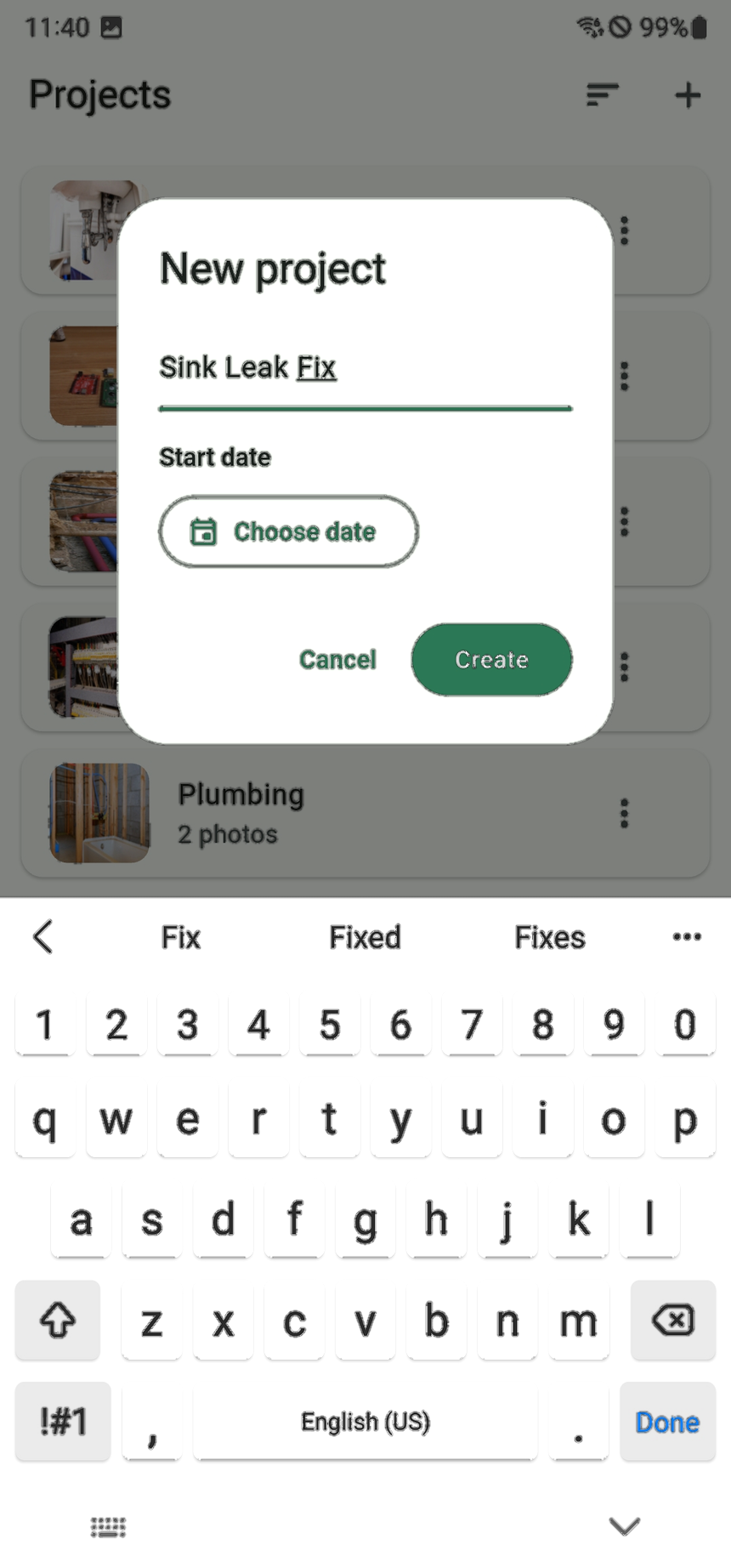
Create projects quickly
Set up the job, add the photos, and keep the project record cleaner from day one.
Joblens has the essentials covered
No Joblens account is required. The app is designed to stay approachable on day one while still giving teams a more structured place to manage project photo records.
Fast to learn
Camera, gallery, projects, and settings stay visible in a simple mobile workflow that is easy to pick up.
Built for field use
Capture, import, sort, and review photos without treating the phone gallery like your project database.
Connected to the rest of the product
Use Help for setup, or email us with questions and suggestions.
Capture. Sort. Sync.
Get Joblens on iPhone or Android and start organizing project photos in a workflow that feels built for the work itself.